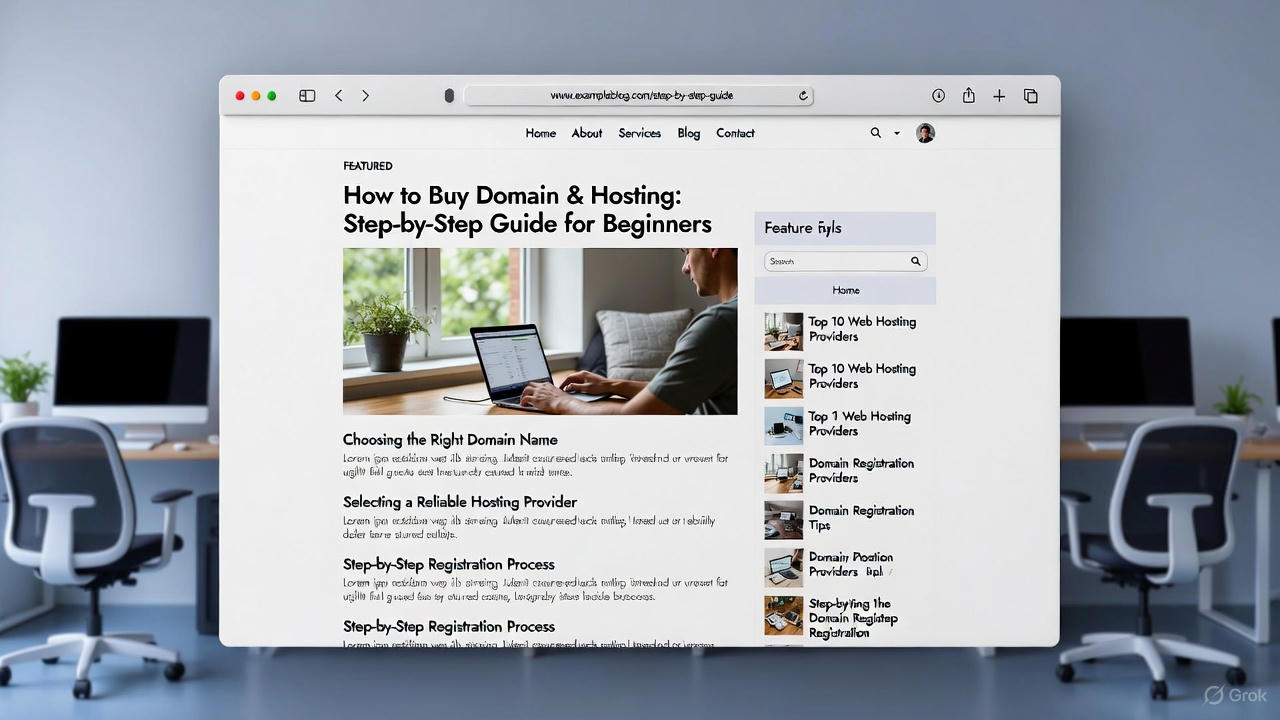
Introduction
Buying a domain and hosting is the first and most important step when starting a website. Whether you want to launch a blog, a business website, or an online store, choosing the right domain and hosting provider ensures your website runs smoothly, loads fast, and ranks well in Google.
This guide explains how to buy a domain and hosting step by step, including best platforms, hosting types, domain suggestions, and tips for USA & UK audiences. By the end of this guide, you will know exactly how to set up your website and make it AdSense-friendly.
What Is a Domain Name?
A domain name is your website’s online address (e.g., www.example.com). It represents your brand and helps visitors remember your website.
Importance of a Domain Name
- Creates a professional online identity
- Helps with branding and marketing
- Improves trust and credibility
- Impacts SEO rankings
Best Practices for Choosing a Domain Name
- Short and simple: Easy to spell and remember
- Relevant to your niche: Include a keyword if possible
- Avoid numbers or special characters
- Use popular extensions: .com, .co.uk, .org
Example: If your blog is about healthy recipes, choose something like HealthyBites.com or QuickHealthyUK.com.
What Is Web Hosting?
Web hosting is a service that stores your website files and makes them accessible on the internet. Without hosting, your website cannot go live.
Types of Hosting
- Shared Hosting – Budget-friendly, suitable for beginners. Multiple websites share the same server.
- VPS Hosting – Offers more control and speed, suitable for growing websites.
- Dedicated Hosting – Full server for your website, expensive but high performance.
- Cloud Hosting – Reliable and scalable, ideal for USA/UK traffic.
- Managed WordPress Hosting – Optimized specifically for WordPress websites, automatic updates, backups, and enhanced speed/security.
Best Hosting Providers for USA & UK
When targeting USA/UK audiences, server location matters for speed, SEO, and user experience.
Recommended Hosting Platforms
- Bluehost: Official WordPress-recommended hosting, beginner-friendly, good server speed for USA/UK.
- SiteGround: Excellent customer support, fast servers, free SSL, optimized for WordPress.
- Hostinger: Affordable, good performance, easy-to-use dashboard.
- Cloudways: Managed cloud hosting, great for scaling websites, multiple server locations.
- WP Engine: Premium managed WordPress hosting, fast and secure.
Tip: Always select the server nearest to your target audience (USA or UK) for faster load times.
How to Choose the Right Hosting Plan
Factors to consider:
- Website traffic: Start with shared hosting if low traffic. Upgrade to VPS/cloud as traffic grows.
- Speed & uptime: Choose hosting with 99.9% uptime and fast loading servers.
- Security: Free SSL certificate, firewall protection, daily backups.
- Support: 24/7 customer support for troubleshooting.
- Scalability: Easy to upgrade plans as your website grows.
Step-by-Step Guide to Buying a Domain & Hosting
Step 1: Decide Your Domain Name
- Think of a short, relevant, and memorable name.
- Check availability using domain registrars (GoDaddy, Namecheap, Bluehost).
- Choose a domain extension (.com for global, .co.uk for UK).
Tip: Keep it consistent with your brand or niche for better recognition.
Step 2: Choose the Best Hosting Provider
- Compare hosting providers: Bluehost, SiteGround, Hostinger, Cloudways, WP Engine.
- Consider your budget and features needed.
- Choose the server location closest to your audience.
Example: If targeting UK visitors, choose a hosting provider with a UK server.
Step 3: Register Your Domain
- On your hosting platform, search for your desired domain.
- Add it to your cart.
- Complete registration by providing personal/business info.
- Optional: Enable domain privacy protection (keeps your info private).
Tip: Privacy protection is highly recommended for security and to prevent spam emails.
Step 4: Purchase the Hosting Plan
- Select a plan suitable for your website type and traffic.
- Configure billing cycle (12 months recommended).
- Add SSL (usually free with hosting).
- Complete payment.
Tip: Many hosting providers offer discounts for first-time users, especially for USA/UK plans.
Step 5: Connect Your Domain to Hosting
- Most platforms automatically link domain and hosting.
- If bought separately, update DNS settings in domain registrar to point to hosting provider.
Example: GoDaddy domain + SiteGround hosting = Update Nameservers in GoDaddy dashboard.
How to Create a WordPress Website for bignners
Step 6: Install WordPress
- Login to hosting dashboard.
- Find the WordPress installer (usually 1-click install).
- Enter site name, admin username, password, email.
- Click install.
Your website is now live and ready for customization.
Tips for Choosing the Best Domain & Hosting for AdSense
- Choose a .com domain for global recognition.
- Keep domain short, memorable, and brandable.
- Use hosting with fast servers and free SSL.
- Avoid cheap or unreliable hosting, as downtime can hurt AdSense earnings.
- Make sure hosting is WordPress-friendly, as most blogs and content sites use WordPress.
Additional Tips for USA & UK Ranking
- Use keywords relevant to USA/UK in domain and content.
- Hosting server location affects speed → choose USA/UK nearest servers.
- Optimize website for mobile users, as most visitors in USA/UK use mobile.
- Use SEO plugins like Yoast SEO or Rank Math.
- Focus on creating high-quality content consistently.
Examples of Best Domains for Specific Niches
| Niche | Domain Example | Extension |
|---|---|---|
| Tech Blog | TechInsightsUSA.com | .com |
| Travel Blog | ExploreUKAdventures.co.uk | .co.uk |
| Health & Fitness | FitLifeTips.com | .com |
| Personal Finance | SmartMoneyUK.co.uk | .co.uk |
| Food & Recipes | QuickHealthyMeals.com | .com |
FAQs
Q1: Can I buy domain and hosting from different providers?
A1: Yes, but you must connect domain DNS to hosting manually. Buying from the same provider simplifies setup.
Q2: Is a .com domain better than .co.uk?
A2: .com is globally recognized; .co.uk is preferred if your target audience is primarily UK.
Q3: How much does domain & hosting cost?
A3: Domain: $10–$15/year; Hosting: $3–$30/month depending on provider and plan.
Q4: Which hosting is fastest for USA/UK visitors?
A4: SiteGround, Bluehost, Cloudways, WP Engine, or Hostinger with server near target location.
Q5: Do I need SSL for AdSense approval?
A5: Yes, SSL (HTTPS) is required by Google AdSense for all websites.
Conclusion
Buying a domain and hosting is the first critical step to building a successful website. By choosing the right domain, hosting provider, and server location, you ensure a fast, secure, and user-friendly website. Follow this guide step by step, choose the best platforms, and optimize for USA & UK audiences to improve your chances of ranking high on Google and being AdSense-ready.
Start with a .com or .co.uk domain, select reliable hosting, install WordPress, and you are ready to create high-quality content that drives traffic and generates revenue.
Tags & Keywords for USA/UK ranking:
- WordPress domain & hosting guide USA
- Best hosting for UK websites
- How to buy domain for blog USA
- WordPress setup for beginners UK
- AdSense-friendly hosting USA
- Best platforms for WordPress UK
- Buy domain & hosting step by step
- Hosting & domain for blog beginners USA/UK